Quick workflows
Upload, choose settings, process and download without learning a complex editor.
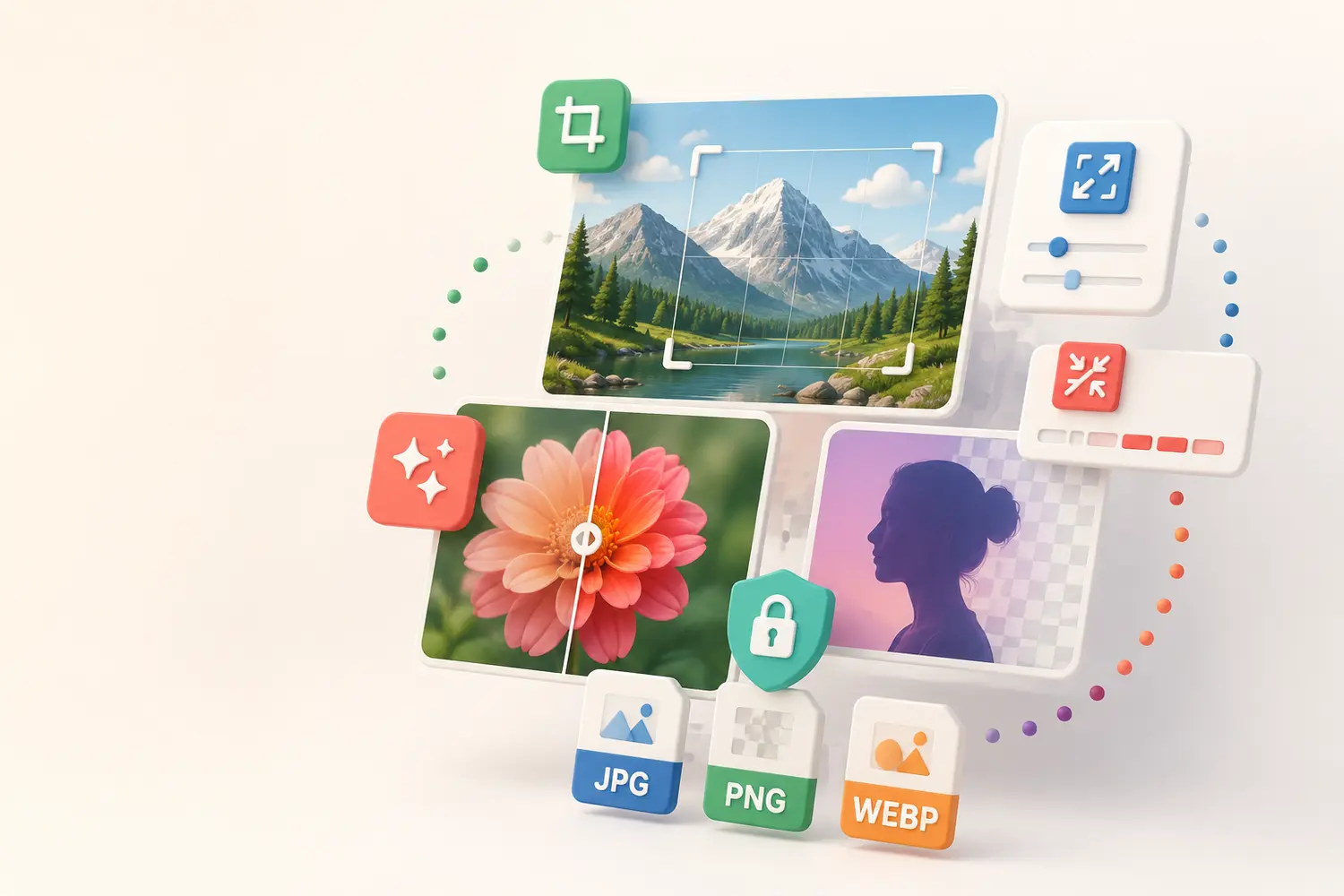
Optimize, create, modify, convert and protect your photos with 20 useful online tools in one colorful workspace.
 Edit
Protect
Edit
Protect
Choose a tool and get straight to work. Tools are mixed here so the one you need is easy to find.
Reduce JPG, PNG and WEBP file size while keeping strong visual quality.
Open toolEnlarge one image by 2×, 4×, 6× or 8× and compare the live result before downloading.
Open toolCut out one subject, compare it live and export a high-quality transparent PNG.
Open toolCreate a live meme with draggable text and image layers inside or outside the photo.
Open toolEdit one image on a large live canvas with crop, drawing, text, shapes, stickers and design controls.
Open toolFrame one or many images with a custom border color and width.
Open toolGive images smooth rounded corners and export with transparency.
Open toolResize images by exact pixel dimensions while optionally preserving proportions.
Open toolCrop one image on a large live preview using an adjustable crop marker.
Open toolRotate one or many images from 1° to 380° with a live preview.
Open toolMirror images horizontally or flip them vertically in one batch.
Open toolCreate clean black-and-white versions while preserving image detail.
Open toolConvert between popular image formats and switch the input/output choices in one click.
Open toolConvert JPG/JPEG images to a wider range of formats with a live preview.
Open toolConvert JPG, PNG, BMP and TIFF images to modern, web-friendly WEBP files.
Open toolConvert JPG, WEBP, BMP, TIFF and GIF images to high-quality PNG.
Open toolCapture a public webpage URL as a PNG screenshot.
Open toolPlace draggable text and image watermarks exactly where you want them.
Open toolAutomatically blur faces or add draggable manual blur boxes over any chosen area.
Open toolCreate a clean copy without EXIF, camera or location metadata.
Open tool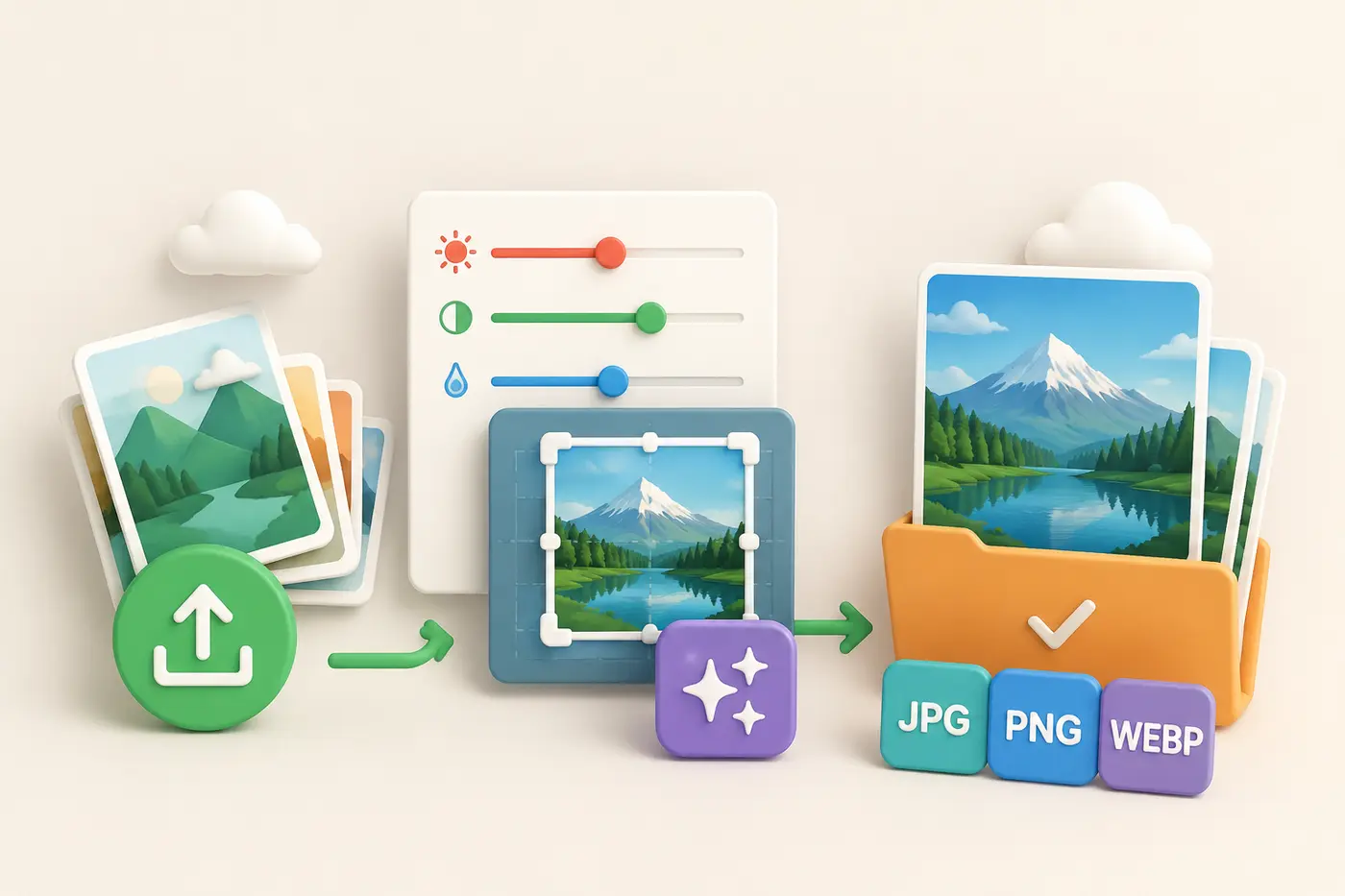
Batch-ready tools keep your selected images when you tap the plus button. Review every preview, remove only the images you do not want, adjust the settings, and download the completed result.
Upload, choose settings, process and download without learning a complex editor.
Process multiple images together and add or remove individual files before you begin.
Files are used to complete the task, with randomized temporary result names and safer request handling.
A clean responsive layout makes the tools comfortable on desktop, tablet and mobile.
Select files, drag and drop them, or tap plus to build a batch.
Adjust quality, format, size, position or other tool-specific options.
Save the completed image or download all batch results in one ZIP.

Learn about temporary processing, downloads, cookies, responsible use and the practical limits of an online service.
Read our privacy policy